

 English
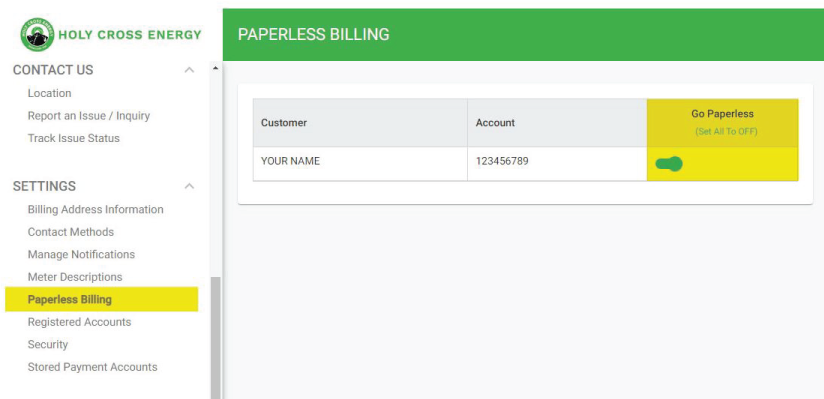
In SmartHub, click on “Paperless Billing” under the Setting tab, then toggle the switch to “Go Paperless”.
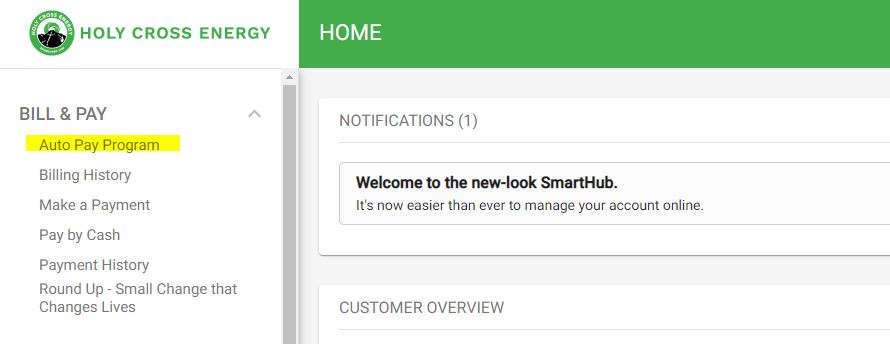
In SmartHub, click on “Auto Pay Program” under the Billing & Payments tab, then follow the prompts to add a new bank account.
Our Member Services team can help you enroll for both paperless billing and automatic checking account payments. Give us a ring!
970.945.5491